Turn a CSV, JSON, PDF or screenshot into an Excel spreadsheet
Upload a file up to 5 MB and download an .xlsx where numbers are numbers, dates are dates, and codes like 00123 keep their zeros. The separator is detected from the file, and nested JSON becomes columns.
What you were sent
client;paid_at;amount
"Acme Ltd";14/01/2026;12 400
;;
Northwind;02/02/2026;8 150
What you get
.xlsx| client | paid_at | amount |
|---|---|---|
| Acme Ltd | 14 Jan 2026 | 12 400 |
| Northwind | 02 Feb 2026 | 8 150 |
| Globex SA | 19 Feb 2026 | 3 900 |
Or press Ctrl + V to paste a table straight from your screen.
No file to upload?
Paste the rows, or a screenshot
Copy a table out of Excel, an email or a web page and paste it below. The columns are found automatically, so there is no need to add commas or semicolons yourself. Got a screenshot instead? Press Ctrl+V anywhere on this page.
Paste your rows
Press Win+Shift+S to grab a table from your screen, then paste it here.
Paste at least two columns to start
Questions people ask first
Is it really free?
Yes. Converting costs nothing and needs no account or card. Without an account you can convert up to 20 files per hour; a signed-in account can convert 5 files per day.
What happens to my files?
They are not stored. Each file is converted in memory and the .xlsx is sent back in the same response. Images are the one exception that leaves our server: Google's Gemini API reads them.
Do I need an account?
No. Converting never needs an account. An account opens the dashboard, with batch conversion, the data cleaner, the analyzer and the table builder.
What is the file size limit?
5 MB per file, and 4 MB per image.
Will numbers and dates be formatted correctly?
Numbers, ISO dates and day-first dates are written as real Excel numbers and dates. A column is typed only when all of its first 200 values fit; otherwise it stays text, exactly as in the file.
Can it convert a PDF?
Yes, when the PDF has selectable text: each page that holds a table becomes a sheet. Scanned PDFs have no text and are rejected; a screenshot of the table works instead.
Three steps, no settings to learn
The only choice is the output style: an Excel table with filter buttons, or plain cells.
Upload
Drop a file up to 5 MB. The format comes from the extension, or from the contents when the extension does not say, such as a .txt holding JSON.
Columns typed
Each column becomes number, date or text. Blank rows are dropped and nested JSON is flattened into columns.
Download
An .xlsx with a frozen header row, filter buttons, and real number and date cells.
A sheet you can sort and sum straight away
Four things AnyToExcel does to every file, so the sheet works without fixing it by hand.
Five formats, one upload
Drop a CSV, JSON, HTML table, PDF or image. The format comes from the extension, or from the contents when the extension does not say.
Real column types
Numbers become numbers and dates become dates, so SUM and sorting work at once. Codes like 00123 stay text and keep their zeros.
Many tables, many sheets
An HTML file with five tables becomes a workbook with five sheets, up to 20. A PDF gets one sheet per page that holds a table.
Nothing stored
Files are converted in memory and never stored. Images are the one exception that leaves our server: Google's Gemini API reads them.
Works with exports from the tools you already use
Your data already lives in one of these.
CSV · JSON · HTML table · PDF · image
Their CSV and JSON exports convert without changing a setting.
Each of these tools exports CSV or JSON, and each writes it differently: commas or semicolons, quoted cells, 1,234.56 or 1.234,56, nested fields. AnyToExcel reads those differences from the file itself.
See each column's type before you export
In the dashboard, the analyzer lists every column of your file with the type it was given: number, date or text. A code column marked as text is how you know its leading zeros were kept.
Convert a fileConversion done
1,204 rows
3 sheets · 0 rows dropped
invoices.xlsx
Sheet 1 of 3
Your last 50 conversions, listed in this browser
Each conversion is listed with its file name, format, rows and columns, and why it failed if it did. The list is kept in this browser only. Files are never stored, so converting a file again means uploading it again.
Convert a fileThis month
38 files
kept in this browser
Recent conversions
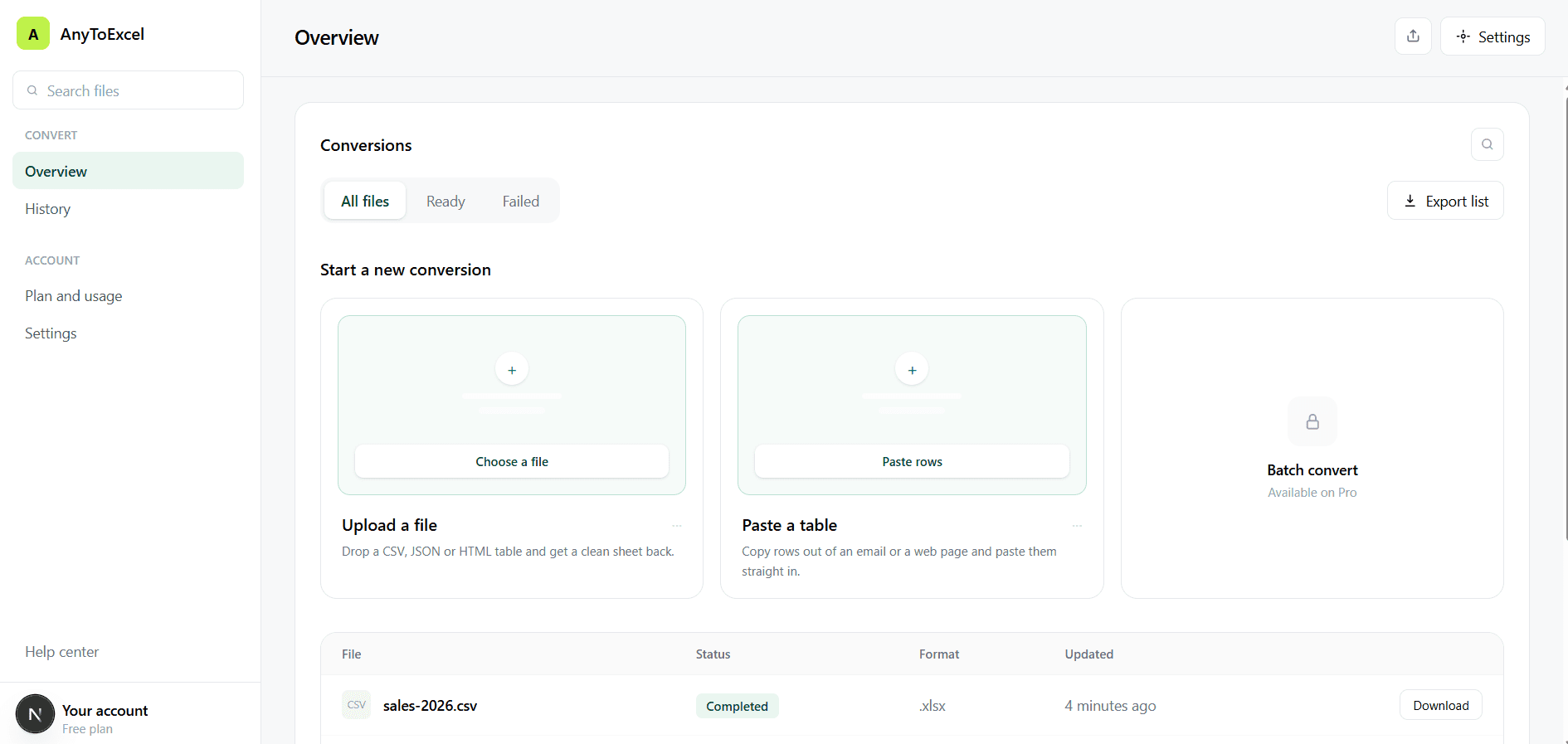
sales-2026.csv
1,204 rows · 4 min ago
api-response.json
Flattening 3 levels…
clients.csv
890 rows · yesterday
old-export.csv
Image over 4 MB
Whatever they send you, one clean file out
Seven input formats, one .xlsx out. Faded ones are not supported yet.
Explore our simple pricing plan
The free plan converts files up to 5 MB with no account and no card.
$0/ forever
Enough for the file someone just sent you. No account, no card.
What's included
- Up to 20 conversions per hour
- Files up to 5 MB, images up to 4 MB
- CSV, JSON, HTML tables, PDF and images
- Files never stored
- No account needed
$9/ per month
For people who clean exports every week and want their history kept.
What's included
- Unlimited conversions
- Files up to 100 MB
- History kept for 30 days
- Batch conversion
- AI cleaning for messy files
$29/ per month
For teams moving data between systems all day long.
What's included
- Everything in Pro
- Files up to 500 MB
- 5 team members included
- API access with keys
- Priority processing queue
Have questions? we are here to help
Is it really free?
Yes. Converting costs nothing and needs no account or card. Without an account you can convert up to 20 files per hour; a signed-in account can convert 5 files per day.
What happens to my files?
They are not stored. Each file is converted in memory and the .xlsx is sent back in the same response, so there is no copy on our server and no download link to expire. Images are the one exception that leaves our server: Google's Gemini API reads them.
Do I need to create an account?
No. Converting never needs an account. An account opens the dashboard, with batch conversion, the data cleaner, the analyzer and the table builder.
What is the file size limit?
5 MB per file, and 4 MB per image.
My CSV uses semicolons — will that work?
Yes. The separator is detected from the first 5 lines of the file: comma, semicolon, tab or pipe. Uploaded files have no manual override; the paste box on this page lets you pick the separator yourself.
Will numbers and dates be formatted correctly?
Numbers, ISO dates and day-first dates are written as real Excel numbers and dates. A column is typed only when all of its first 200 values fit; otherwise it stays text, exactly as in the file. US month-first dates are not detected.
Do accents and non-Latin scripts survive?
Yes, when the file is saved as UTF-8: é, ü, ñ, Arabic, Cyrillic and Japanese text come through intact. A CSV saved in an older Windows code page, such as Excel's "CSV (Comma delimited)" option, loses its accented letters; save it as "CSV UTF-8" instead.
Can it convert a PDF?
Yes, when the PDF has selectable text: each page that holds a table becomes a sheet. Scanned and password-protected PDFs are rejected; for a scan, a screenshot of the table works instead.
Stop fixing columns by hand. Drop the file instead.
Upload a file up to 5 MB and download the .xlsx. No account, no card.